Store owners can add more information for their products: Weight, Dimensions, and SKU (Stock Keeping Unit). These fields are essential for future shipping integrations. We have added a new page for variants/ prices, where users can define product weights, dimensions & SKU details, including the ability of tracking inventory for the specific variants.
How to Use:
- To add these details, store owners can access it from: Payments > Products > Create Product > Add Pricing/ Variants > Pricing/ Variant page.
- Initially, users must create a price or variant to access the respective page via the hyperlink in Product name.
- A "New" tag will appear for newly added unsaved prices, and the price/ variant page will be available only after saving the changes.
- In addition to tracking inventory, users can add product weights, dimensions, and SKUs within the variants or pricing page.
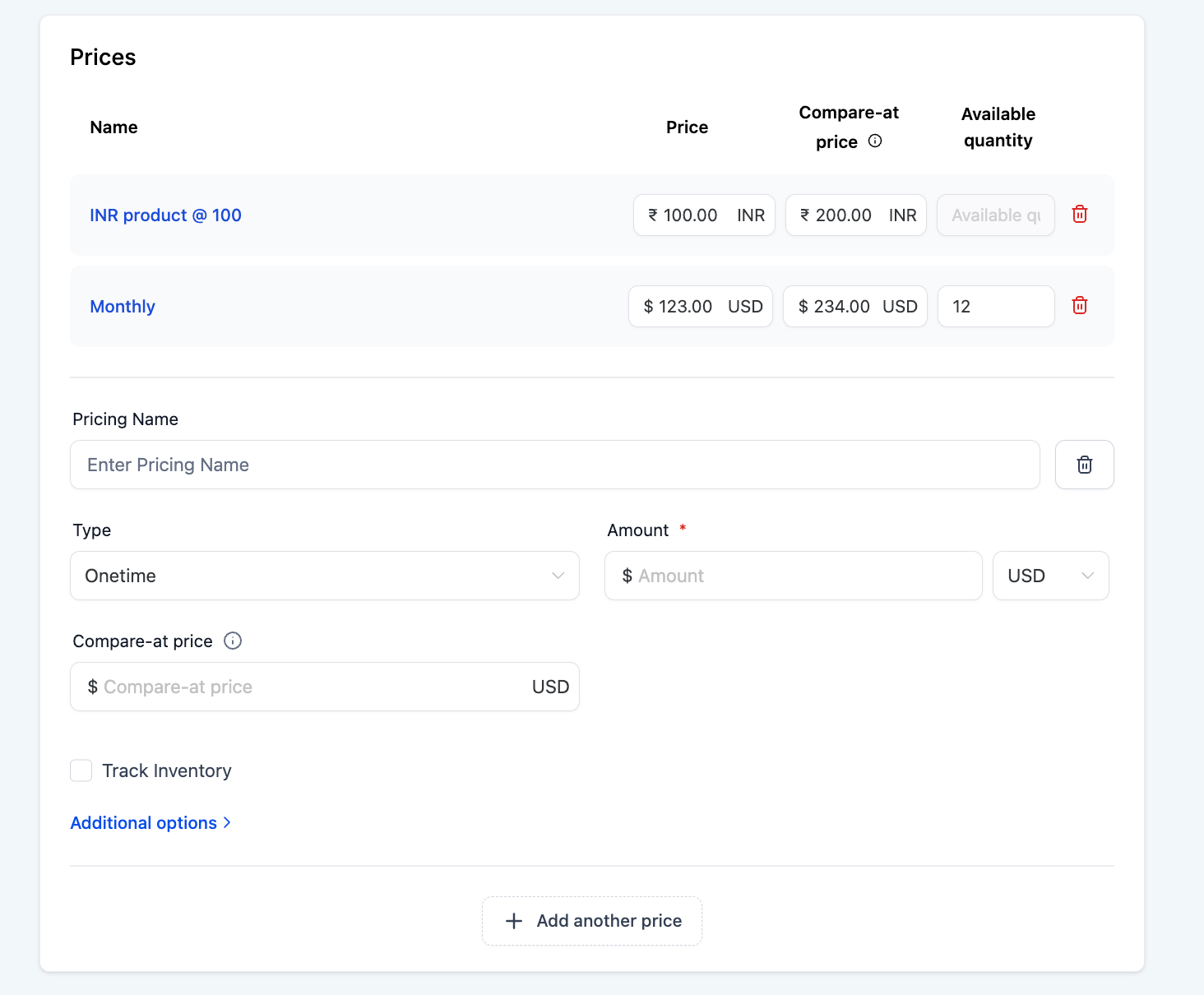
Prices/Variants are now easier to discover and manage from the pricing/variant list:

Hover Highlight: Price/Variant tiles highlight on hover to make it clear they are clickable and open the detailed Price/Variant page (where you can add weight, dimensions, SKU, inventory, and digital files).

Quick Actions: Each tile includes Edit and Delete options for faster management without opening the full detail page.
Newly Created Price:

Pricing Page View:

Creating a New Price:
Variant Pages:

